ZIP Files for Etsy: When They Help and When They Don't

ZIP files for Etsy do one job well: they let you deliver many files in one of a listing’s five file slots, and they carry formats Etsy doesn’t accept on their own, such as SVG. They don’t make most digital products much smaller, and every ZIP is a step your buyer has to take before they see what they paid for. On a Pick Up My Files download page, buyers can look inside your ZIP before they download it, or you can unpack it once and deliver the files one by one, with previews and Download all.
So zip when you have more files than slots, or formats that need a container. Don’t zip a single file, and don’t zip to get under 20 MB.
What a ZIP changes, and what it doesn’t
Etsy lists ZIP among the file types you can upload to an instant-download listing. Each listing holds up to five files, and each file, ZIP included, can be at most 20 MB.[1] A ZIP counts as one file, so five ZIPs of 20 MB each give you up to 100 MB in a listing, however many files are inside. The ZIP changes how many files fit within the limit; it doesn’t raise the limit.
When zipping helps:
- You have more than five files. Forty worksheets, 120 clip art PNGs or the many print sizes of a printable wall art listing fit as a handful of ZIPs. For other ways to deliver a large set, see how to sell more than 5 files on Etsy.
- Your format isn’t on Etsy’s list. Etsy’s supported types don’t include SVG, DXF, EPS, AI, PSD or Procreate files.[1] Inside a ZIP, they can travel.
- The files belong together in folders, such as a cut file set with SVG, DXF and PNG versions.
- The files are mostly text. SVG, TXT and DOC files usually compress well, the one common case where a ZIP noticeably shrinks a product.
When it doesn’t:
- You’re trying to get under 20 MB. WinZip’s help explains that most multimedia files, including JPG, PNG, GIF, MP3 and movie files, “will not compress much” because they’re already compressed.[5] Microsoft gives the same example with a folder of photos.[4] A PDF full of images behaves like the images inside it.
- There’s only one file. A single PDF or JPG in a ZIP gains nothing and makes the buyer unzip it.
- Many buyers are on phones. Etsy’s download help warns that phones and tablets may need a file manager or another app to unzip a download.[2]
- The buyer wants to see what they’re getting. Files inside a ZIP are invisible until it’s opened. On Etsy’s download page, the buyer sees only its name.
How Pick Up My Files handles ZIP files
Pick Up My Files keeps the sale on Etsy and gives the files a page of their own. Etsy delivers the thank-you PDF we attach to the listing, and the PDF opens your download page. Whether you keep your ZIPs or unpack them, the buyer sees what’s in the set before they download. Here is the setup, in the order the app works.
1. Connect your Etsy shop
Connect your shop and import your digital listings in a few clicks. Your products come across without retyping.
2. Upload the ZIP you already send
Drop in the ZIP you already deliver on Etsy, or single files, several at once or a whole folder. Each file is checked for viruses, stored privately and given a preview.
A ZIP stays one file, the way you made it. On the download page, buyers can look inside it before downloading, and a short help tag explains what a ZIP file is, so a buyer who has never opened one isn’t left guessing.
3. Or unpack it once and skip the unzipping
If you’d rather your buyers never unzip anything, unpack the ZIP with one click and keep its files together as a Bundle, a set of files with a name. Upload a folder instead and we offer to turn it into a Bundle. Arrange the files by hand or sort them by name.
Once the files are separate, the download page shows them one by one, in the order you set, with Download all first. Each file says what it is and how big it is, and buyers can open any preview full screen or flip through a PDF’s first pages. The layout adapts to the number of files, from one big card to searchable shelves for large sets.
4. Build your page once and connect the listing
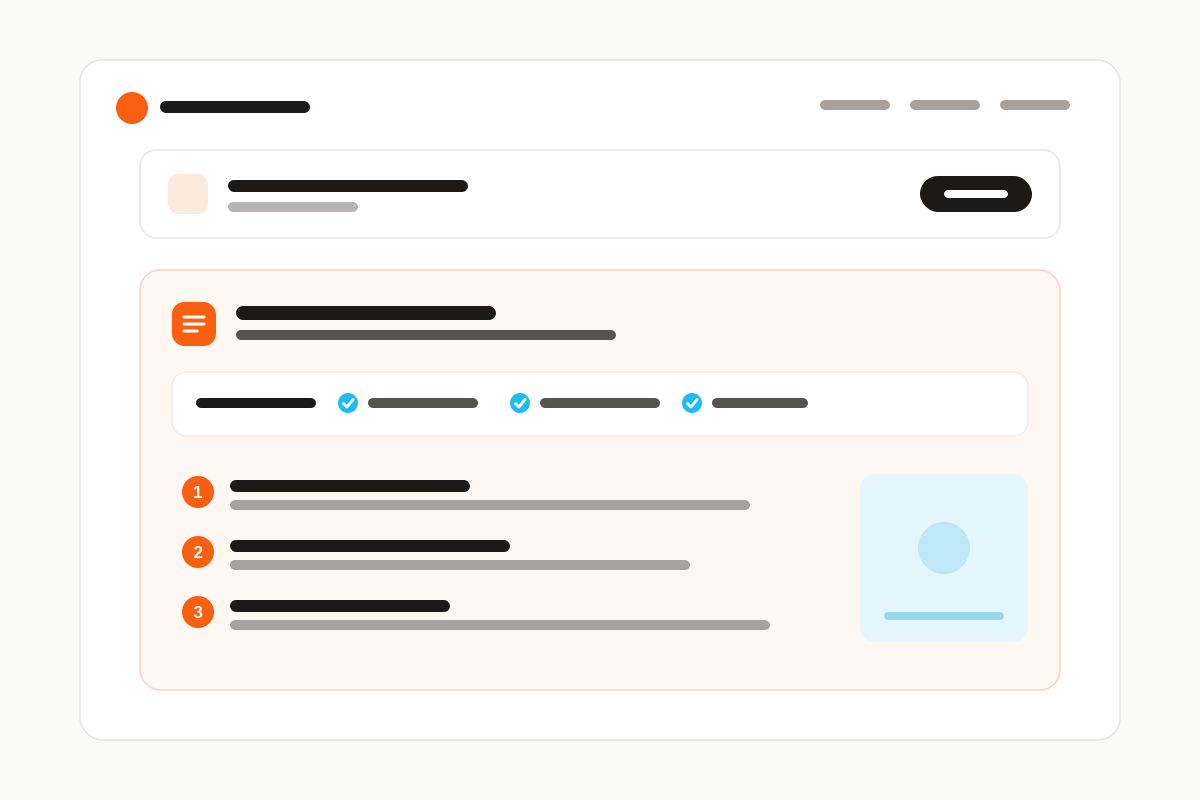
Your effort goes into one download page, which works as a template for your listings. It starts with the delivery essentials in place, and your Brand Kit, with your logo, colors, fonts and button style, is applied to it. The page reads the listing each buyer arrived from and shows that product’s files. Connect each listing to the file or Bundle it delivers.
We then make the thank-you PDF for each listing you connect and attach it on Etsy, on every plan. You don’t make it or upload it.
5. Put your how-to steps next to the files
A ZIP often travels with instructions: which folder is for what, how to load a cut file, what the buyer may make with it. With a product guide, those steps sit on the page instead of inside the ZIP. Under Listings, start a guide from scratch or from a ready-made guide for a common product type, such as SVG cut files or printable art, and attach it to the listings it belongs to. Add the Guide block to your page, and each buyer sees the guide for the listing they bought.
The download itself is covered by built-in help: small info buttons and a help page that follows your page’s layout. Your guide never has to explain downloading or ZIP folders.
When a file inside changes
Change a file and every listing that delivers it has the new version. Buyers who bought months ago open the same link in their PDF and see your latest files, so a corrected ZIP reaches them without a message from you. Further down the page, on Growth and Pro, a product recommendations block can show your other Etsy listings, each opening on Etsy.
If you’re not using it yet: build a ZIP buyers can open
Most shops today deliver the ZIP straight from Etsy, or put it in a shared folder linked from a PDF built by hand for each listing. Either way the buyer gets a file name and no look inside, and a shared folder looks like every other shop’s and has to be relinked whenever it moves. If you deliver ZIPs on Etsy, build them so the unzip step is easy.
Make the ZIP. On a Mac, select the files in Finder, Control-click and choose Compress; several items produce Archive.zip, so rename it.[6] On Windows, right-click, choose Show more options, then Send to and Compressed (zipped) folder.[4] On an iPhone or iPad, in the Files app, tap More, then Select, choose the files, tap More again and choose Compress.[3]
Check it before you upload:
- The size. Each ZIP must be 20 MB or less.[1] Leave a little room.
- The name. Buyers see the file name exactly as you upload it, and you can’t rename it later. Etsy allows up to 70 letters, numbers, periods, underscores or hyphens, so
Floral-Clipart-PNG-Part-1-of-3.zipworks andfinal final (2).zipdoesn’t.[1] - The contents. Unzip a fresh copy somewhere new and open a few files. That’s what your buyer gets.
Arrange the inside. Use one top-level folder named after the product, subfolders by format or use (PNG, SVG, Letter, A4), a short read-me with your usage terms, and no ZIPs inside ZIPs. ZIPs made on a Mac can include a hidden __MACOSX folder that appears on Windows; it’s harmless, but a one-line mention saves a question.
Split big sets into whole ZIPs. Name them Part-1-of-3.zip and so on, each complete on its own. Avoid split archives ending in .z01 or .zip.001: Etsy accepts only .zip among archive types,[1] and Files by Google opens only .zip files.[7]
Tell buyers how to open them. A short version you can paste into your listing:
Your files arrive as ZIP folders. Download them at Etsy.com in a web browser (not the Etsy app). On a computer, double-click the ZIP to open it, or on Windows right-click it and choose Extract All. On iPhone, open the Files app, go to Downloads and tap the ZIP. On Android, open Files by Google, select the ZIP and tap Extract.
Those steps follow Apple, Microsoft and Google’s own help.[6][4][8][3][7] If a buyer still can’t open a file, Etsy’s advice is to delete it, download it again, and then contact the seller through Etsy Messages,[2] which only accepts JPG, GIF, PDF and PNG attachments, so you can’t resend a ZIP there.[9] For buyers stuck on any download step, send this guide to downloading Etsy files.
Questions sellers ask
Can I upload SVG files to Etsy without a ZIP?
No. SVG isn’t on Etsy’s list of supported file types, so SVG cut files need to go inside a ZIP on Etsy.[1] The guide to uploading clipart to Etsy covers organizing PNG and SVG sets.
Can I use RAR or 7z files instead?
Avoid them. Etsy lists ZIP as its archive format,[1] and Files by Google opens only .zip files.[7]
Let buyers see inside before they download
You can start with Pick Up My Files for free, with the thank-you PDF made and attached for you. See how download pages work.
Sources
[1] Etsy: How to Manage Your Digital Listings (checked 2026-11-18)
[2] Etsy: How to Download a Digital Item (checked 2026-11-18)
[3] Apple Support: Create or open ZIP files on your iPhone or iPad
[4] Microsoft Support: Zip and unzip files
[5] WinZip Knowledge Base: Why don’t some files compress very much?
[6] Apple Support: Zip and unzip files and folders on Mac
[7] Files by Google Help: Unzip your files
[8] Apple Support: Where to find downloads on your iPhone or iPad
[9] Etsy: How to Send Messages to Buyers (checked 2026-11-18)