Without the
20 MB per file limit.
5 downloadable files limit.
Google Drive public link.
limited fille types support.
manual PDF updates.
Your Etsy download PDFs, done for you
Set up one template, and we build the PDF for every listing and attach it to Etsy. It opens a clean page where buyers get every file, whatever the size or format, with no Google Drive folder to dig through.


The problem
Etsy was never built to deliver digital products
Etsy handles discovery and payment well. Delivery of downloadable products is where it stops short, and every digital seller ends up working around it the same way.
Etsy's limits
Five files. 20 MB each. No app downloads.
A poster set, a clip-art bundle, or a planner passes Etsy's digital limits on day one. And nearly half of Etsy's sales happen in the app, which can't download digital files at all.
The workaround
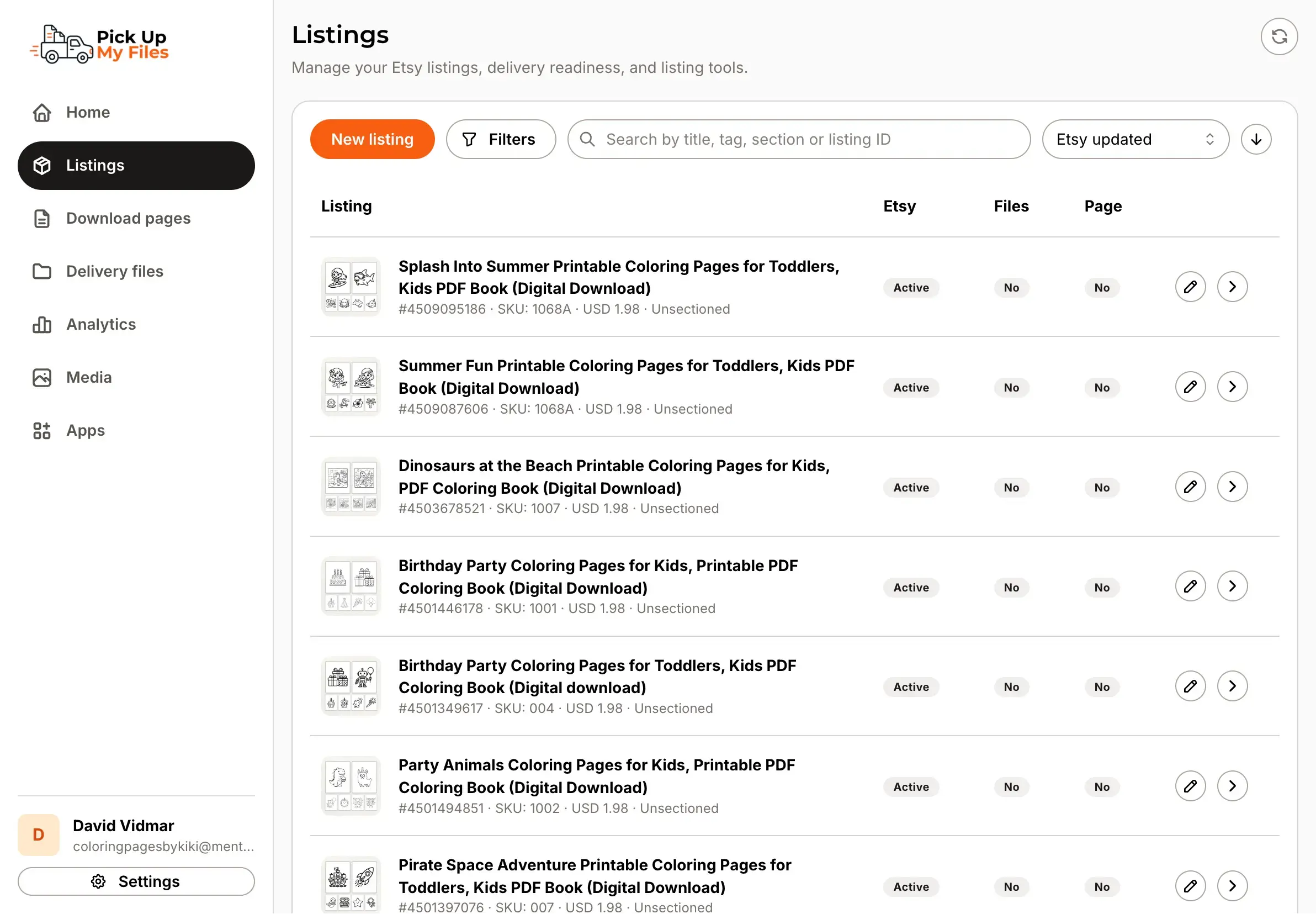
A PDF with a Google Drive link
So sellers paste a Google Drive link into a thank-you PDF. But Drive carries none of your branding, confuses buyers on mobile, and for PDF files, when a file or link changes you re-upload that PDF on every listing by hand.
How it works
One template instead of a PDF for every listing
Every Etsy listing needs a thank-you PDF with a download link, built and uploaded by hand. Pick Up My Files replaces it. You start from a template, we turn it into a clean download page and generate the PDF that opens it, and we do this for every product you sell.
1
Connect your Etsy shop
We import your listings, so you never retype a product.
2
Connect your files
Link the Google Drive you already use, or our hosted storage. Your files stay where they are.
3
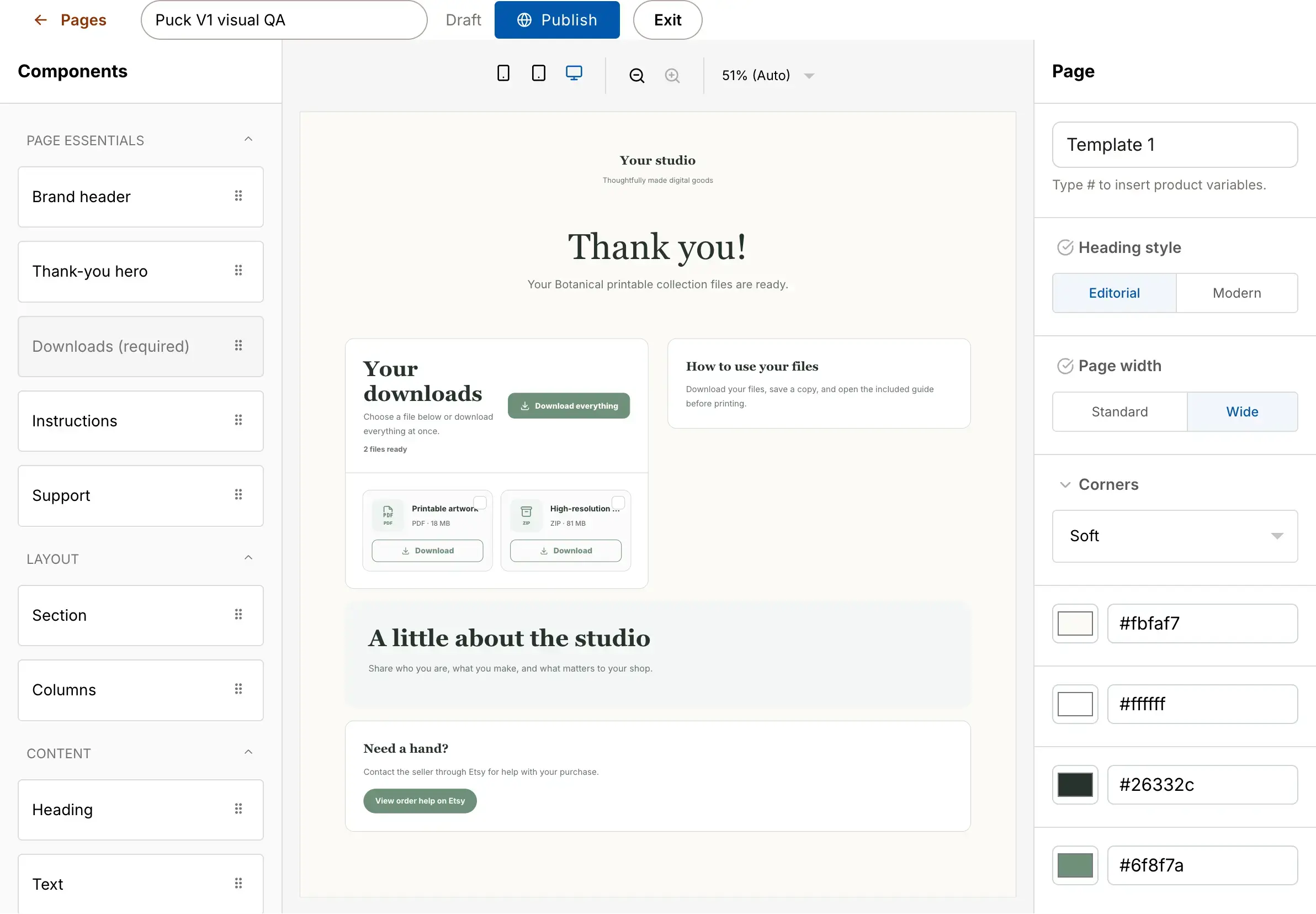
Pick a template
Instead of creating a PDF for every single listing, start from a template that delivers your files cleanly. One for the whole shop, or as many as you want.
4
We build & attach the PDF
For every product, we generate the PDF that opens your page and attach it to the Etsy listing. You never make or upload one again.
Today you build and re-upload a PDF for every listing by hand. With Pick Up My Files, you set up a template once and every product gets its own download page and PDF automatically. Change something and every listing updates.
The method you already know
The same flow every Etsy tutorial teaches, done properly
Search how to deliver large files on Etsy and every guide says the same thing: a thank-you PDF with a Google Drive link. It works, which is why everyone uses it. We took that exact flow and made it three things it usually isn't.
Professional
Professional Buyers get a branded page, not a raw Drive folder they have to trust.
Easy to set up
Connect once and start from a template. No PDF building, no file juggling.
Easy to maintain
Change a file or link once, and every listing updates. No re-uploading.
Who uses it
Built for Etsy digital sellers
"I sell poster sets in five sizes, so I blew past Etsy's file limit straight away. Buyers used to land on a plain Drive folder. Now it looks like my shop, and setting it up took an afternoon."

Lauren T.
Printable wall art
"A 60-image bundle used to mean buyers messaging me asking how to download. The page lays everything out with a download-all button, and the questions basically stopped."

Marco L.
Clip-art & SVG bundles
"My planners are way over Etsy's size limit, so I've always used a Drive link. The worst part was updating dozens of listings every time I fixed a page. Now I edit one template and every listing updates. That alone was worth it."

Hannah B.
Digital planner shop
Beyond delivery
When a dynamic template replaces your PDF, it can do far more
A thank-you PDF could only ever hand over a link. A dynamic template delivers your files and grows your shop at the same time.
Free tools
Free tools for Etsy sellers, no paid plan needed
A handful of tools that each do one job well, free to use with a Pick Up My Files Account.
Pricing
Start free. Pay as you grow.
Use Pick Up My Files free while you set up your first downloads. When you need more products and more on each page, paid plans scale with you.
Give your Etsy buyers a download that just works
Set up your first template in minutes. No PDF building, no Drive links.