How to Get Etsy Repeat Customers for Digital Downloads
To get Etsy repeat customers for digital downloads, give each product an obvious next step and show it to buyers at the moment they open their files. With Pick Up My Files, that moment happens on a download page in your shop’s style, which can show your related Etsy listings, your Etsy reviews and an optional email signup, and keeps every buyer’s files current through the same link. A buyer who got their files easily and saw what you make next has a reason to come back to your Etsy shop.
Why the second order matters
Etsy’s annual report for 2025 shows how much of the marketplace runs on buyers who come back:[1]
- Etsy had 86.5 million active buyers at the end of 2025.
- Habitual buyers, who spent $200 or more and bought on six or more days in 12 months, were about 7% of active buyers but accounted for about 40% of gross merchandise sales.
- About 40% of active buyers bought on two or more days in the year. Roughly half bought only once, and Etsy names purchase frequency as a focus.
Etsy doesn’t split these figures out for digital downloads, and no public source does. The pattern still applies to a small shop: a few returning buyers can carry a large share of sales, so plan for the second order, not only the first.
Decide what comes next for each product
A buyer can only return if there’s a next product that makes sense for them. Look at your best sellers and ask what a happy buyer of each one needs next.
| If they bought | A natural next step |
|---|---|
| An undated digital planner | Next year’s version, extra inserts, or a matching sticker set |
| A clip art set | A matching set in the same style, or a seasonal set |
| A classroom unit | The next unit in the same subject or grade |
| One wall art print | Prints that complete a set, in the same palette |
| A budget spreadsheet | A savings tracker or debt planner that works with it |
If the honest answer is “nothing”, that product may be a one-time purchase, such as a single event invitation. That’s fine. Put your effort into the products that do have a next step. Our guide on how to price digital products on Etsy covers pricing a small entry product and a larger set.
How to bring buyers back with Pick Up My Files
Right after the sale, a digital buyer does one thing: they open their files. Pick Up My Files makes the thank-you PDF for each listing you connect and attaches it on Etsy, and its link opens your download page. You build that page once, as a template, and every connected listing uses it. Here is how to set it up for the second order.
1. Make the first download look like your shop
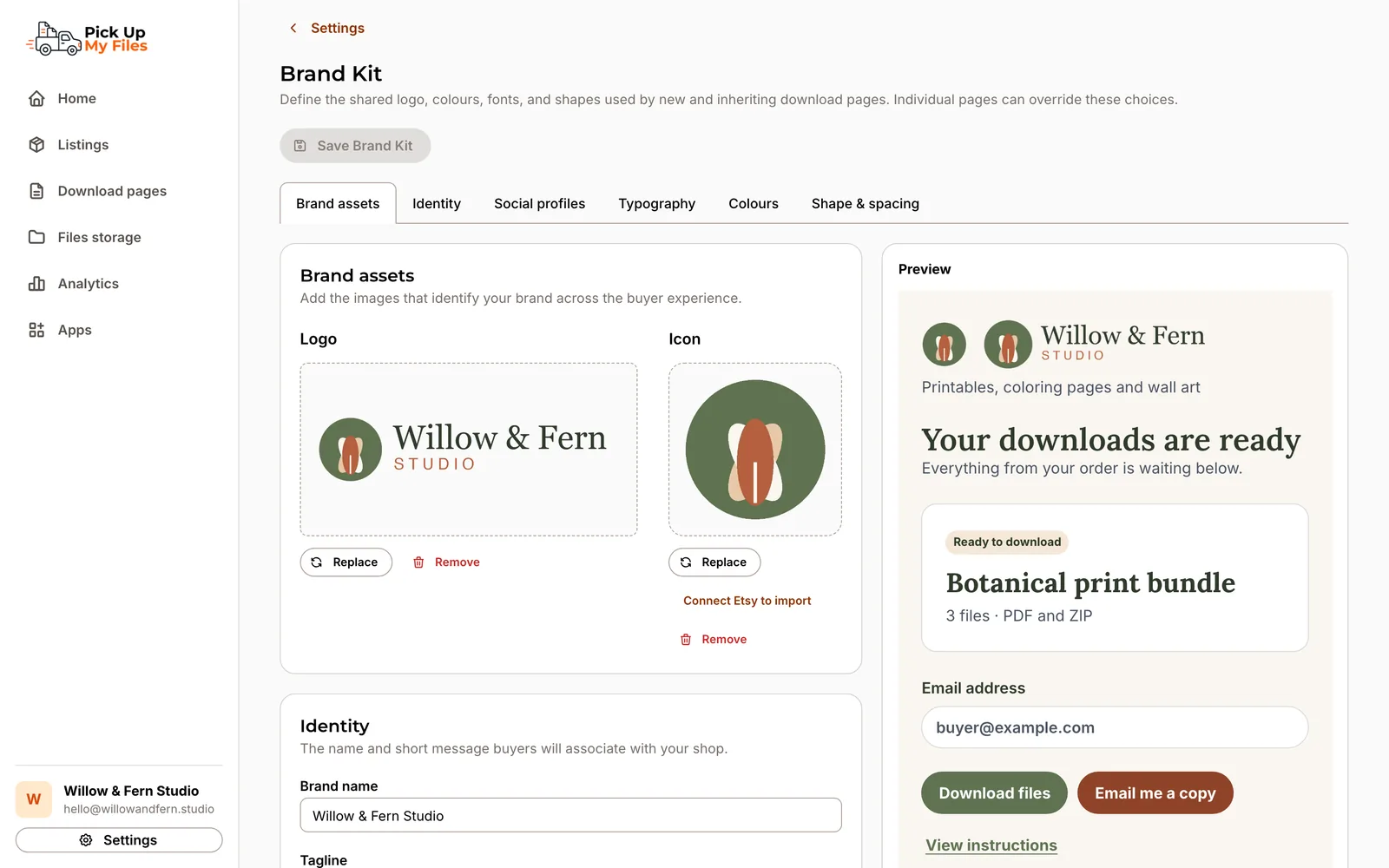
Set up your Brand Kit once: upload your logo and icon, or bring in the shop icon you already use on Etsy, and add your shop name and tagline. Then choose your colours, a font pair and a button style. Readability is checked as you go, and every page that uses the Brand Kit follows when you save.
The buyer then opens a page with your name and colours at the top, their files with previews, Download all, your own how-to steps and answers to common questions. They need no sign-in, and built-in help covers things like ZIP files. A buyer who opens that remembers a shop. A buyer who opens a bare folder remembers a file.
2. Show the next product with Product recommendations
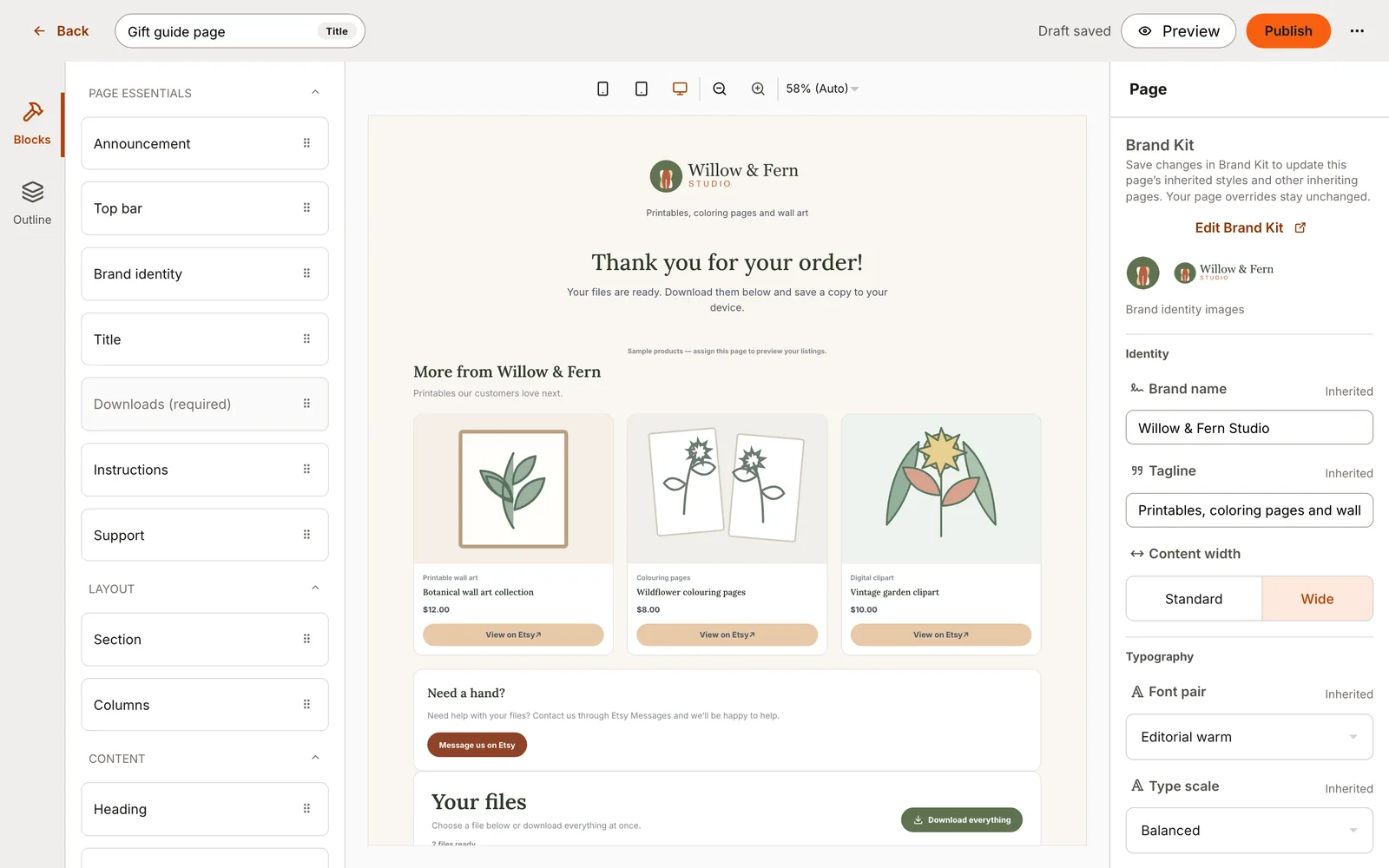
On the Growth and Pro plans, add the Product recommendations block to your download page, below the files. Then choose what it shows: more from the same category, something from a different one, or anything from your shop. Order them by best match, most favorited, newest or price, set how many to show, and pick a grid, a list or a carousel.
The block reads the listing each buyer came from and picks related listings from your synced Etsy catalog, so there are no lists to keep up to date. A planner buyer sees your inserts and sticker sets, and a clip art buyer sees matching sets. Every recommendation opens the listing in your Etsy shop, where the buyer buys the way they did the first time.
3. Let buyers see what others liked
Add the Reviews block to show your shop’s public Etsy reviews on the page. Reviews of the product the buyer just bought come first, then reviews from the rest of your shop, and product names link to their Etsy listings. It’s included on every plan, and it gives buyers a reason to look at what else you make while your work is in front of them.
4. Invite the buyers who want to hear from you
On Growth and Pro, an Email capture block below the files invites buyers to join your list. The buyer types their own address and gives consent, and their files never depend on it. You sort signups into groups, such as one per product line, and export them as a CSV or Excel file for your email tool. Our guide on how to build an email list from Etsy digital downloads walks through the setup.
5. Keep every buyer’s files current
Buyers come back to shops they trust, and a fixed file builds that trust. Replace a file or edit your page once, preview the buyer view and publish. Everyone who bought, including people who bought months ago, sees the current version the next time they open the link in their thank-you PDF. They also see your current recommendations, so your newest listings reach past buyers too.
Make the next step easy to find in your Etsy shop
When a buyer taps through to Etsy, help them find what they came for:
- Shop sections. Etsy allows up to 20 custom sections, each with a name of up to 24 characters.[2] Name them the way buyers think, such as “2027 Planners” or “Fall Clip Art”.
- Discounted bundles. Under Bundle items together in Sales and discounts, you can group up to three listings with a discount. Bundle discounts don’t combine with other promotions.[3]
- Listing descriptions. One line such as “Pairs with our weekly planner inserts” helps buyers who are still browsing.
Use Etsy’s own tools too
- Thank you offers. Etsy emails a discount code to buyers after an order is complete, but only to buyers who opted in to Etsy marketing emails.[3] Our guide to whether Etsy thank-you coupons work for digital products explains how to test one fairly.
- Promo codes. Create a code in Sales and discounts to share with your email list. You can limit a code to one use per buyer or cap total uses.[4]
- Other targeted offers. Abandoned cart, favorited item and interested shopper offers reach people before their first purchase, which widens the pool of future repeat buyers.[4]
The rules to keep
Etsy leaves plenty of room to bring buyers back. Four things are off limits:
- Promotions in Etsy Messages that the buyer didn’t ask for. Messages are for questions and orders.[5]
- Adding buyers to a mailing list without consent, including copying addresses from your orders.[6]
- Discounts for buying through another website.[7] Point every link to your Etsy listings.
- QR codes that send buyers off Etsy.[8]
If you’re not using Pick Up My Files yet
Most shops today deliver with a thank-you PDF built by hand for every listing, linking to a shared Drive folder. It gets files to buyers, but it doesn’t bring them back. The folder looks like everyone else’s, nothing in it shows your other products, a fixed file never reaches earlier buyers, and every change means rebuilding the PDF on each listing.
Two Etsy-native steps help in the meantime. Set a Message to Buyers for Digital Items, which Etsy shows on the Downloads page,[9] with what to do first and where to get help. And remind buyers to download in a web browser, because Etsy says digital purchases can’t be downloaded in the Etsy app.[10] Point stuck buyers to our plain guide to downloading Etsy files.
How to tell whether it’s working
- Targeted offer results. Sales and discounts shows offers sent, purchases, conversion rate and revenue for each targeted offer.[4]
- One promo code per place. Use a separate code for your emails, and its redemptions tell you whether your list buys.
- Email signups. Use one group per download page to see which products bring in subscribers.
- A quarterly look. Compare orders and revenue each quarter, and note what you changed. Change one thing at a time where you can.
Small shops see small numbers, and one month can mislead. Look at the direction over several months before you drop something.
Etsy repeat customers FAQ
What share of Etsy buyers come back?
Etsy’s 2025 annual report says about 40% of active buyers bought on two or more days in the year, and habitual buyers were about 7% of active buyers.[1] Etsy doesn’t publish separate figures for digital downloads.
Can I message past buyers about a new product?
Not as a promotion they didn’t ask for. Reach past buyers through an email list they chose to join, or through Etsy’s thank you offers. Past buyers who reopen their download page also see your current recommendations.
Is a thank-you coupon enough?
Rarely on its own. A coupon helps most when the buyer already knows what they might buy next, so pair it with a clear next product and an easy way to find it.
Turn the first download into a second visit
Try it free, with a branded download page and your Etsy reviews included, and add product recommendations and email signup on Growth or Pro. See how it works.
Sources
[1] Etsy, Inc. Form 10-K for fiscal year 2025 (habitual buyer definition and figures, repeat buyer share, purchase frequency)
[2] Etsy Help: How to Create and Manage Shop Sections
[3] Etsy Help: How to Set Up Sales and Discounts for Your Shop (thank you offers, discounted bundles)
[4] Etsy Help: Newly Crafted, Etsy Updates for Your Shop (targeted offer stats, March 2026; promo code limits and interested shopper offers, June 2026)
[5] Value Added Resource, November 2026 (quotes the Seller Policy wording on promotions in Messages)
[6] Etsy Community announcement: We’re making a few updates to protect users’ privacy (mailing lists and consent)
[7] Alura: Etsy requires Custom Orders to collect extra payment after checkout from July 9, 2026 (Seller Policy wording on discounts through another website or channel)
[8] Etsy Off-Platform Transactions Policy. The page blocked our research tools, so the QR code wording comes from search extracts of the policy.
[9] Etsy Help: How to Add or Edit Your Post-Purchase Message to Buyers