How Etsy Digital Downloads Work?
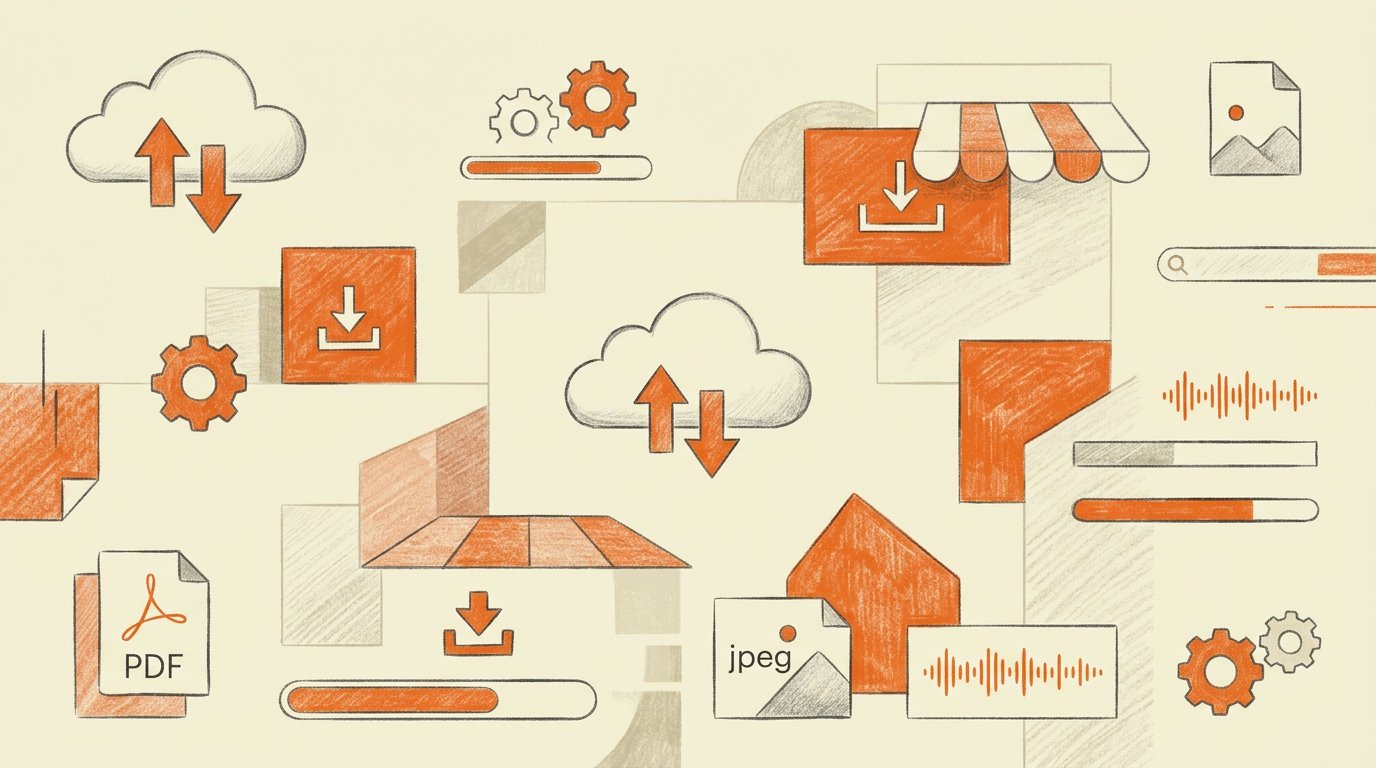
Etsy has revolutionized the world of commerce, not just for physical handcrafted goods, but also for digital assets. If you’ve wondered, “What exactly is a digital download?” or “How do I get my purchase?” or “How can I start selling them?” this guide is for you.
We’re breaking down the entire ecosystem of Etsy digital downloads, explaining the technology, the purchase flow, and why this business model is booming.
What is an Etsy Digital Download?
A digital download is any file or asset that a customer purchases and receives instantly over the internet. There is no physical product, no packaging, and zero shipping involved. The product exists purely in digital form.
This instant gratification model makes digital downloads incredibly appealing to buyers and provides a scalable, automated business opportunity for creative sellers.
The Most Common Types of Digital Products on Etsy:
- Printables: PDFs designed to be printed at home (planners, wall art, invitations, budget sheets, educational worksheets).
- Templates: Pre-designed assets that the buyer customizes (Canva social media templates, branding kits, website themes, resume templates).
- Graphic Resources: Files for other creators (SVG cutting files, clip art, digital papers, fonts, custom brushes).
- Digital Assets: Products designed purely for digital use (hyperlinked digital planners for tablets, iPhone icons, Lightroom presets, Photoshop
actions). - Informational Guides: eBooks, lesson plans, and instructional guides.
Step 1: The Buyer’s Perspective: How Purchasing Works
The process for a buyer is designed for speed and simplicity.
How a Buyer Purchases a Digital Product:
- Find the Product: You browse Etsy and find the perfect digital item (e.g., a floral art print).
- Verify it’s Digital: Check the description closely. Top sellers always state multiple times that this is a digital download only. No physical item will
be shipped. - Complete Checkout: Add the item to your cart and complete your purchase using any accepted payment method. (Note: You usually cannot use guest checkout for digital items; you need to be signed in to an Etsy account).
Step 2: How Delivery and Access Work (Immediately After Purchase)
This is where the automation—and the instant access—happens.
How the Buyer Receives the Files:
- Email Notification: Once payment is confirmed (which usually happens instantly), Etsy automatically sends you a confirmation email that includes a clear “View your files on Etsy” link.
- Etsy Account Access: This is the most reliable method. In your Etsy account, navigate to Your Purchases and Reviews. Every digital item you’ve ever bought is listed here, with a Download Files button right next to it.
- Accessing the Files: When you click the download button, a page opens listing all the individual files included in the purchase (Sellers can
upload up to 5 files, 20MB each). Simply click each file to save it to your device.
Key Point to Note: You cannot currently download digital files using the Etsy app. You must log in to the Etsy website using a mobile or desktop web browser (e.g., Safari or Chrome).
Step 3: What Sellers Need to Know: Setting Up the Automation
For the seller, this model is the definition of passive income. Once you set it up, Etsy does all the work.
How a Seller Lists a Digital Product:
- Create the Product: You use design software (like Canva, Adobe, or Procreate) to create your digital file. Ensure it is high-resolution (300
DPI for print). - Create a New Listing: In your Etsy Shop Manager, click Add a Listing.
- Set the Type to Digital: In the “Listing Details” section, find the Type option and select Digital. (Selecting “Physical” by mistake will require you
to manage shipping logistics). - Upload the Files: In the “Digital Files” section at the bottom of the listing page, you upload your final product files. Etsy permits up to 5
files, with a 20MB limit per file.
Step 4: Special Case: Handling Files Larger Than 20MB
If you are selling a massive bundle of templates, a multi-page illustrated planner, or ultra-high-resolution images, your files might exceed Etsy’s 20MB
limit.
How Sellers Deliver Large Files:
Sellers create a “link file.” This is a simple PDF uploaded to Etsy that explains the purchase and contains a clear, secure download link (e.g., to
Google Drive or Dropbox) where the actual massive files are securely hosted. The automated Etsy delivery flow remains exactly the same; the buyer just downloads the link PDF first.
Why the Digital Download Model is Booming
This ecosystem is a “win-win” for both buyers and sellers, which drives its massive popularity.
Benefits for the Buyer:
- Instant Access: No waiting for shipping, no delivery anxieties.
- Cost Savings: No shipping fees, and often lower product prices.
- Convenience: Print as many copies as you need (within personal use terms).
Benefits for the Seller:
- Low Overhead: No raw materials, no storage costs, no packaging expenses.
- Passive Income: Sales can occur at any time, 24/7, with Etsy handling delivery automatically.
- Scalability: You create the file once and can sell it an infinite number of times without any increased effort.
- Zero Shipping Hassles: No lost packages or customs issues.
A Seamless, Automated Ecosystem
Etsy’s digital download system is a masterful blend of automation and user convenience. For buyers, it offers instant access to unique creative tools and designs. For sellers, it provides a powerful avenue to build a scalable, profitable business with minimal overhead and genuine passive income potential. Mastering this ecosystem is a fantastic opportunity for any creative entrepreneur on Etsy today.
Whether you’re launching your first listing or growing an established shop, explore our blog for more Etsy tips, inspiration, and resources for digital product sellers.