
Ready-made starting points
Guides for common digital products that you edit freely.
Page Builder
Explain how to use, print or install what a buyer bought, once. The Guide block shows the right guide for each listing, and Pick Up My Files covers the help about downloading itself.
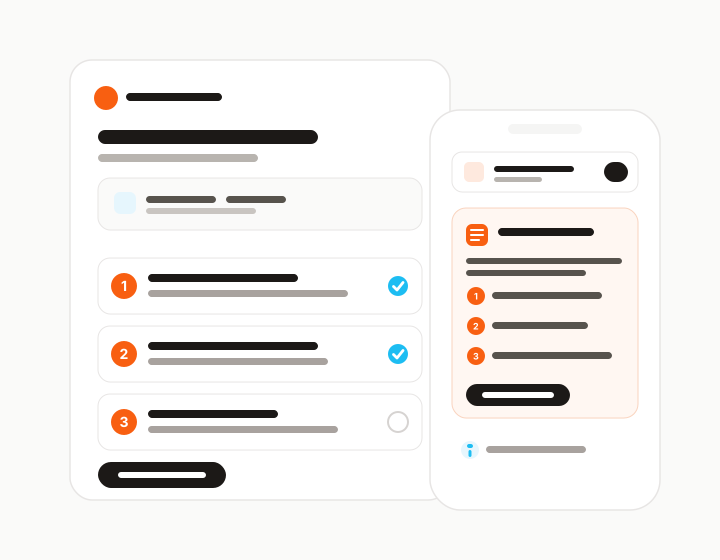
Most thank-you PDFs try to do two jobs: explain how to get the files, and explain how to use the product. The first part is the same for every shop. The second is the part only you can write.
Product guides keep those apart. You write how to use your product, and Pick Up My Files covers the download itself with built-in buyer help.
Guides live under Listings in the seller app. Start from a blank guide or from a ready-made guide for a common product type, such as printable art, digital planners, SVG cut files or fonts, then make it your own.
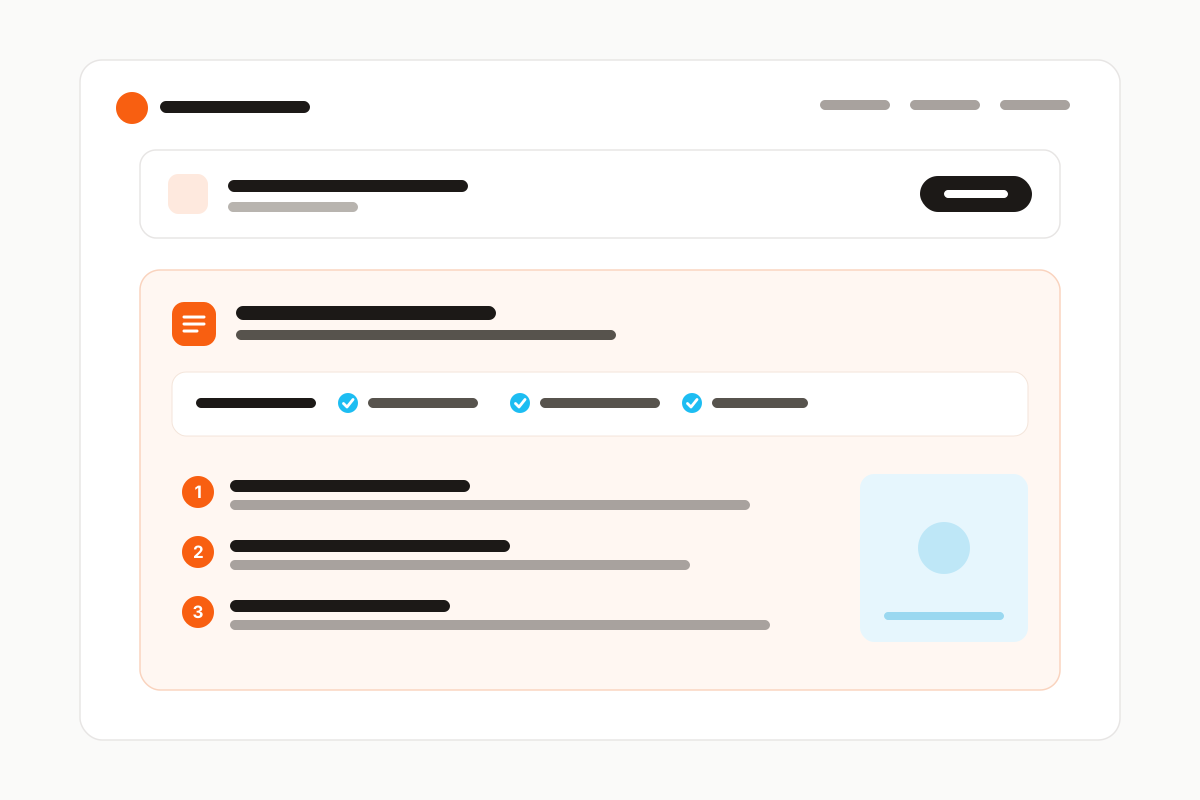
A guide holds a one-line summary, what buyers will need, numbered steps with an optional image, and short tips. Attach it to the listings it belongs to. Each listing has one guide, and one guide can serve many listings.
The Guide block follows the listing the buyer came from, the same way the downloads do. One download page can serve listings with different guides, and a listing without a guide simply does not show the block.
Show the steps on the page, or collapsed under the summary. Edit a guide once and every page that shows it has the new version through the same link.
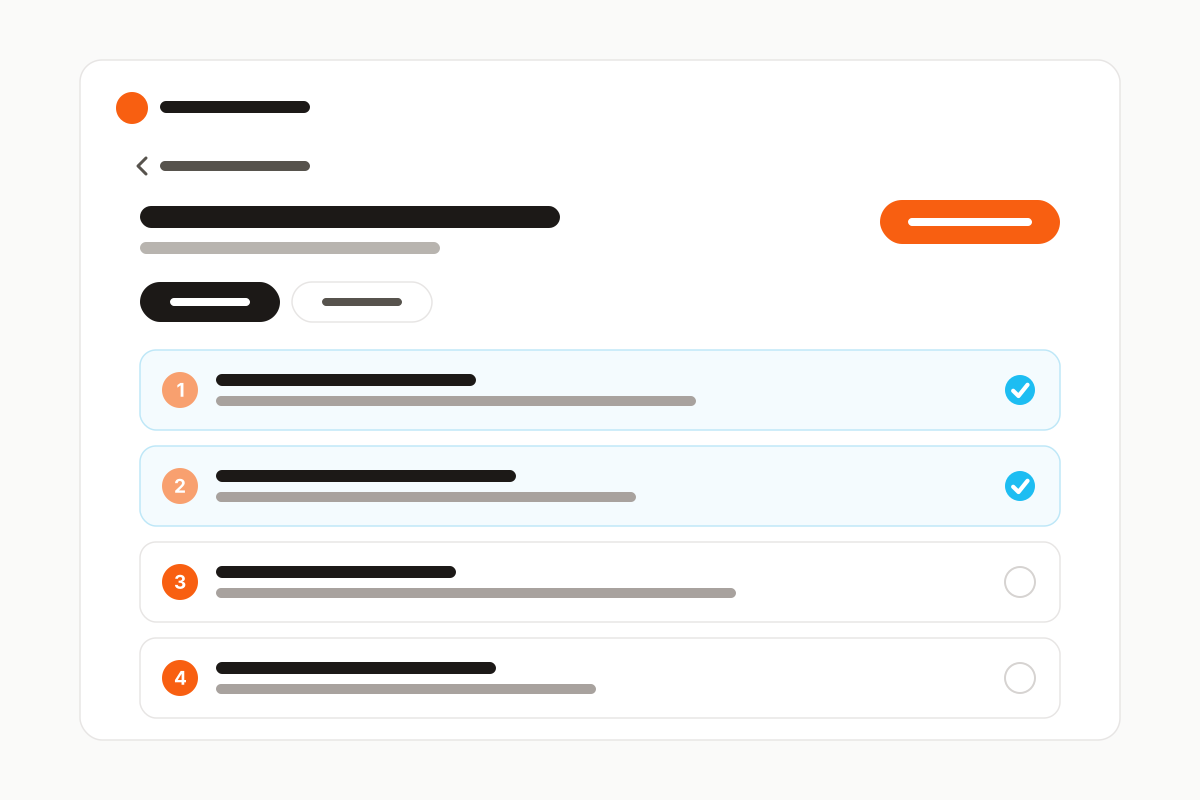
On Starter, Growth and Pro, a guide can also open on its own guide page, in your branding, with steps buyers can tick off and a way back to their files. Buyers can save the guide as a branded PDF to print or keep beside their files.
The Guide block itself, with steps on the page or collapsed, is on every plan, Free included.
Small info buttons explain things like Download all, and every download page links to a help page that follows the page's own layout. Your guide never has to explain downloading or ZIP folders.
How it works
Under Listings, start from scratch or from a ready-made guide.
Choose the listings the guide belongs to.
Each buyer sees the guide for the listing they bought.
Capabilities
Guides for common digital products that you edit freely.
A summary, a checklist, numbered steps with images, and tips.
Attach a guide to every listing it fits and update it in one place.
One download page shows a different guide for each listing.
Choose how much of the guide shows on the download page.
A branded guide page and a PDF buyers can save, from the Starter plan.
Info buttons and a help page cover the download itself.
Screenshots
Stop replacing outdated download PDFs. Deliver a modern download experience that grows with your shop.