How to Create Printables with AI
To create printables with AI for Etsy, use the AI output as material, not as the file you sell. Decide what the buyer will do with the page, generate a small piece of content, build and edit the layout yourself, then print the exported file at its advertised size. Check your rights and Etsy’s rules before you list it. The test print, not the prompt, tells you whether the printable is finished.
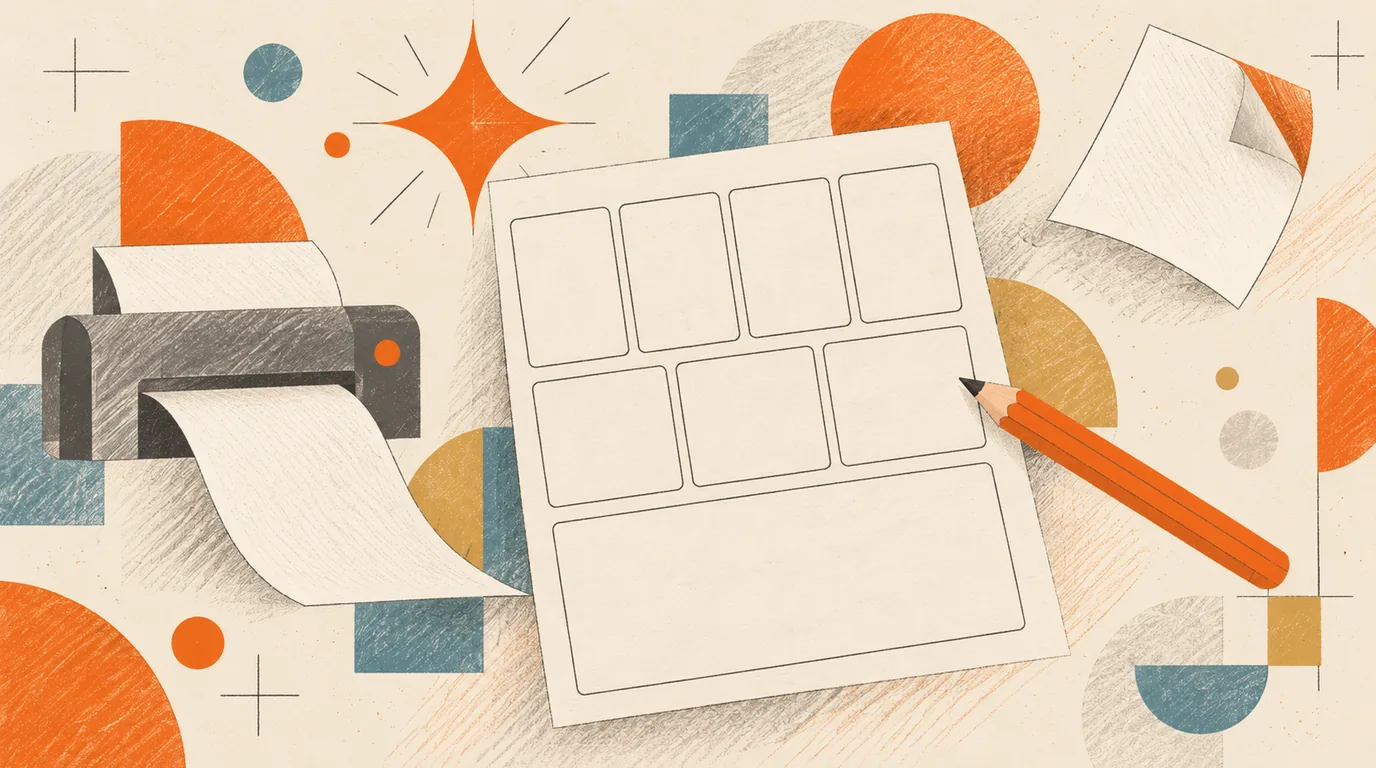
Here is one hypothetical project to follow through the process: a one-page, undated weekly meal planner that a buyer prints and writes on. A text assistant can suggest field labels. You decide what fits, draw the page in a layout editor, and test whether a pen and an ordinary printer can actually use it. No paid AI or particular design app is required.
Define the page before asking AI for content
Write a one-sentence job: “A buyer can plan seven dinners and make one grocery list on a single sheet.” Choose US Letter (8.5 × 11 inches) for this version and a PDF as the final file. If you want to offer A4 too, make and test a separate A4 page; don’t just rename the Letter PDF. Specify that the sheet is undated, intended for handwriting, and printable without a full-page colored background.
Now you have constraints that can reject a plausible but useless suggestion. Seven labeled dinner spaces and a grocery area matter. A recipe database, nutrition advice, and an ornate illustration don’t help this particular page do its job. Keep the planned contents on a short checklist before opening the assistant.
Generate one component, then make the design yours
For this example, you might ask a text assistant: “Suggest short labels for a one-page, undated weekly dinner planner with seven dinner spaces and a grocery list. The buyer writes by hand. Return labels only; don’t write recipes or claim the result is print-ready.” You could also write the labels yourself. Either way, inspect every word and discard output that changes the buyer’s task.
Create a Letter-size canvas in a layout tool. Add your chosen title and labels as editable text, then make seven spaces large enough for a handwritten meal and one grocery area with room for a real shopping list. Align the sections, leave breathing room around the paper edges, and keep writing areas light enough to use with a pen. Don’t flatten a generated image of text into the whole worksheet merely because it looks convincing on screen. Editable text and drawn lines are easier to correct when the first proof reveals a cramped box or a typo.
This is the practical difference between AI-assisted material and a finished printable: you can explain why each field exists and change it without starting the generation again. If you use generated artwork or a third-party template instead, inspect the actual image for defects and check the tool’s current commercial-use terms and each asset’s license for your exact use and account tier. Don’t assume a generated image, a template-library element, or a familiar character is yours to sell. Etsy requires digital downloads to be made or designed by the seller and recognizes seller-prompted AI creations under its “Designed by a seller” category; that is not a blanket clearance for third-party rights or for every unedited output. Read Etsy’s Creativity Standards and intellectual property policy for the boundaries. Whether AI material earns copyright protection is a different question from whether a listing meets Etsy’s rules; the U.S. Copyright Office assesses human authorship case by case.
Export the file and use it at its promised size
Export the page as a PDF and open that exported PDF, not just the editable canvas. Confirm that it contains the right page, that the labels are spelled correctly, and that the lines and text remain clear when you zoom in. For a text-and-lines worksheet, inspect the PDF itself rather than treating a DPI number as a guarantee. If you add a raster image, check its detail at the largest size you advertise; enlarging a small image in a PDF does not restore missing detail.
Print the PDF on US Letter paper at actual size/100%, not “fit to page,” for the first proof. Check that the edges survive your printer’s printable area, that labels are readable, and that the grocery area has room for writing. Fill in a week’s dinners and a sample grocery list with a pen. If the list runs out of space, reduce decoration or enlarge the useful field, export again, and repeat the print test. A full-color background may look tidy on a monitor but ask more of a home printer; decide whether it earns its ink.
You can suggest “actual size” in the buyer instructions, but printers differ. If you offer a second paper size, proof that file on its own paper size. The useful pass condition is not “the PDF downloaded”; it’s “the printed sheet works for the job in the first sentence.”
Attach the proven file to an honest Etsy listing
For this ready-made planner, choose an Etsy digital instant-download listing and attach the tested PDF. Etsy currently allows up to five files, each no larger than 20 MB, for an instant-download listing, and requires at least one attached file before it can be published. A small one-page PDF normally needs no external storage or access document. Check the current digital-listing instructions when you upload.
Show a legible preview of the actual page. In the title and description, state that this is an undated, one-page US Letter PDF for printing and handwriting, not an editable template or a physical planner. Give a short printing instruction, including paper size and the option to print at actual size; don’t promise that every printer will match your proof. If you used AI to create the item, disclose that use in the listing description as Etsy requires. A truthful example for this hypothetical page would be: “I used an AI text tool to suggest field labels, then selected and edited the wording and designed the printable page.” Change that sentence to match what you actually did. Disclosure doesn’t replace an original seller contribution or a rights check.
Before publishing, download the attached file through the listing’s file workflow if available and compare it with your tested PDF. Check the filename, page count, size, and description against the actual deliverable. Etsy says buyers can find purchased digital files through their Purchases page or email, but digital downloads aren’t available through the Etsy app; a mobile browser or computer is the path to explain if a buyer gets stuck.
Publish if the rights and Etsy checks hold, the description matches the attached file, and the paper test works. Repair and retest if a margin clips, a field is cramped, or the listing overpromises. Stop rather than list if you cannot establish permission for a material asset or cannot explain your own contribution. For a separate guide to drafting listing copy from a finished file, see how to create Etsy listings with AI.