
Premium template · Planners
Planner Studio download page template
A soft pastel page for digital planners: the buyer’s files, a step by step guide to importing into GoodNotes or Notability, tips for tabs and links, common questions and an email signup. Sections that need a higher plan or app setup stay hidden until they’re available.
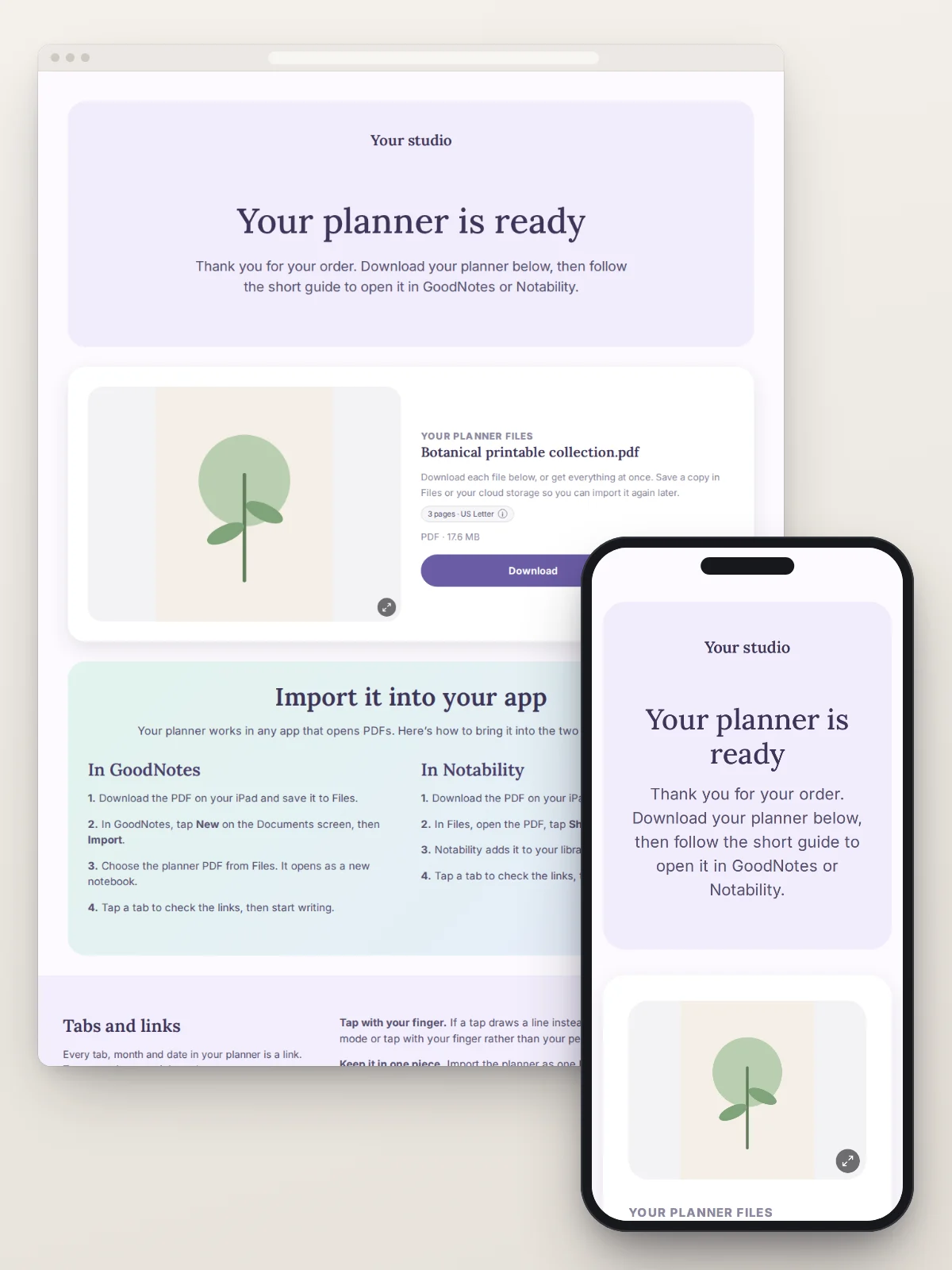
See it
On a phone and in two Brand Kits
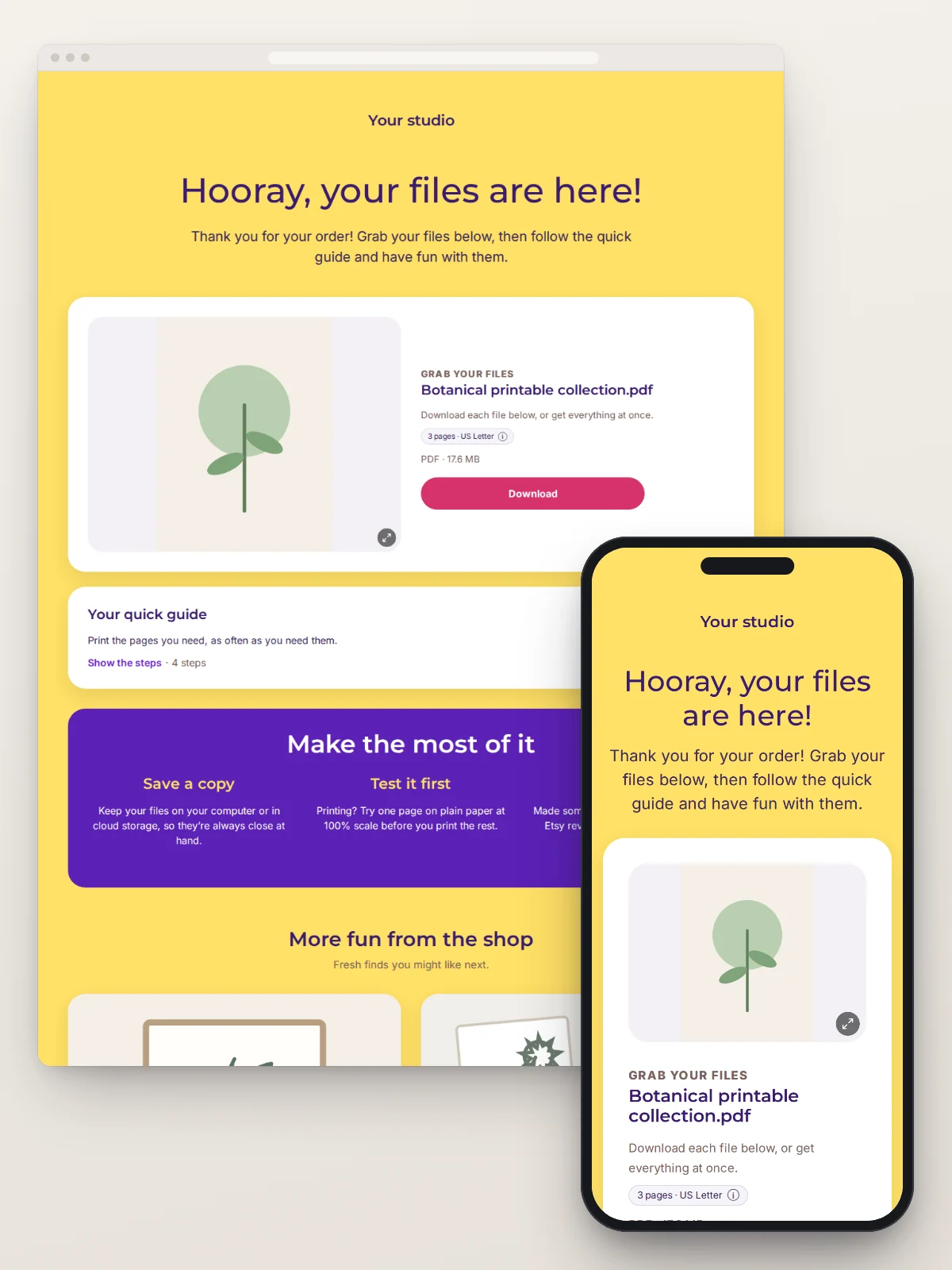
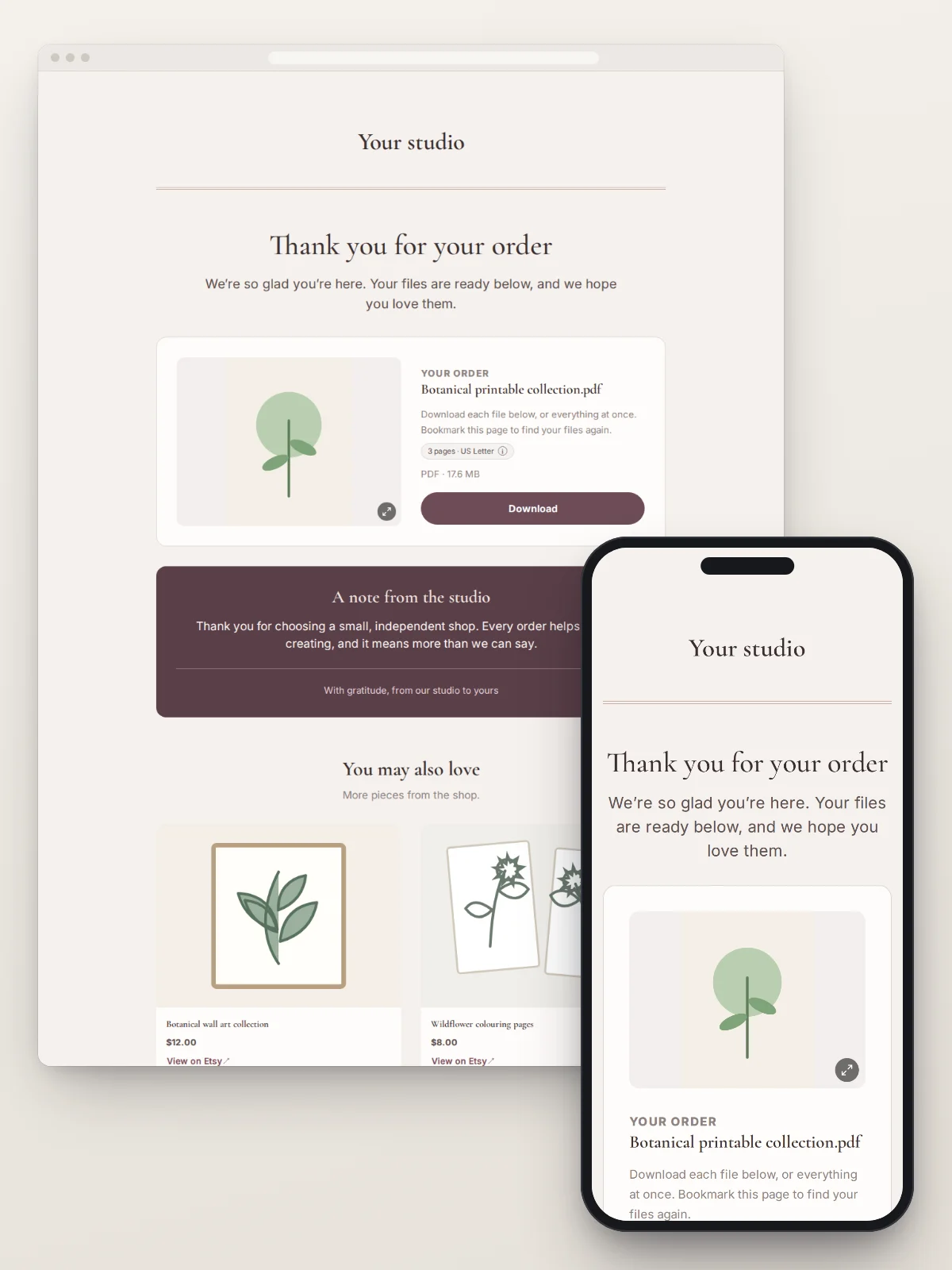
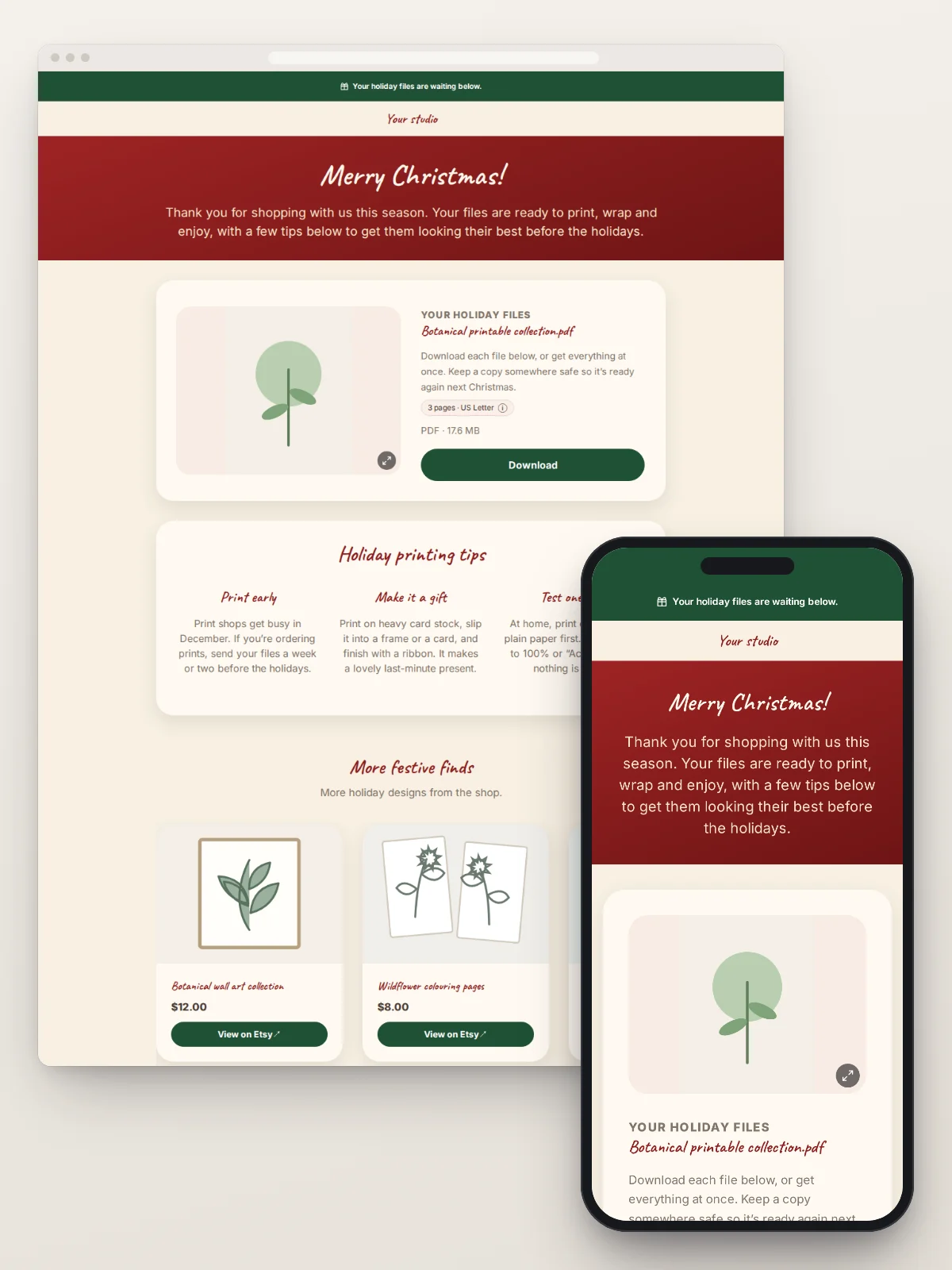
Every picture is the real buyer page with a sample listing. Every template takes your logo and shop name from your Brand Kit. When you apply one, keep the template's own colours and fonts or use your Brand Kit's, and switch at any time.
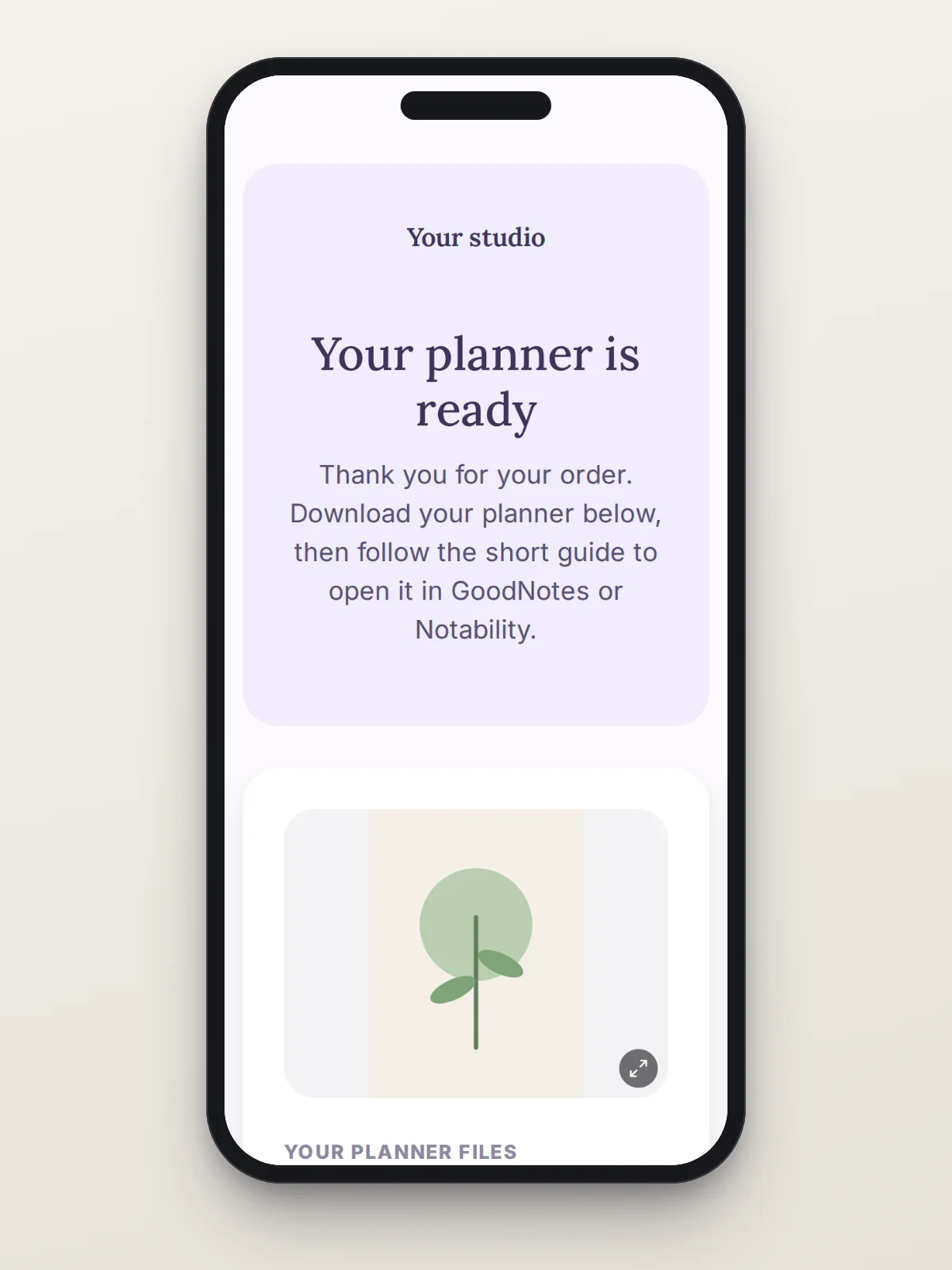
On a phone 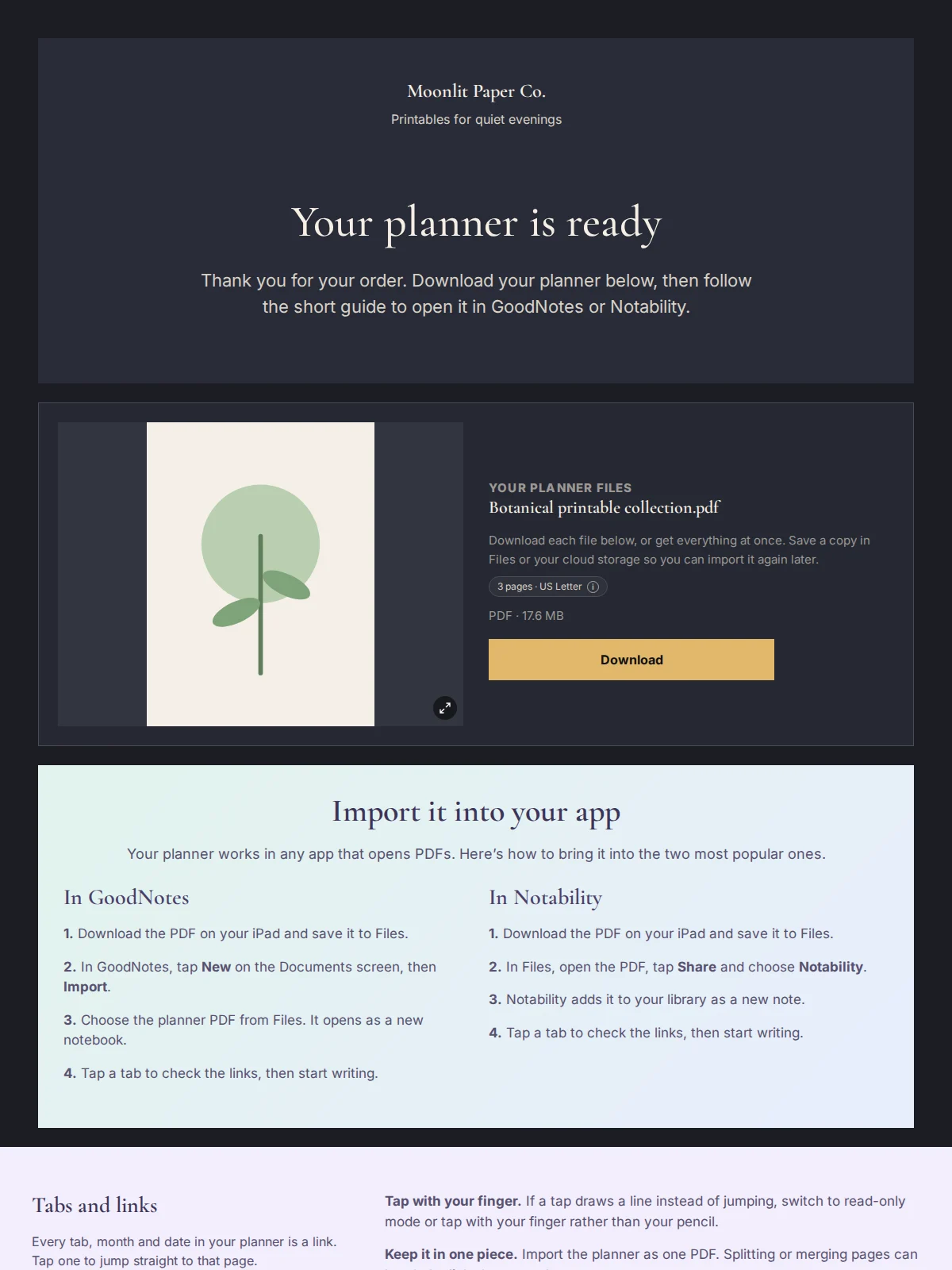
With a dark Brand Kit 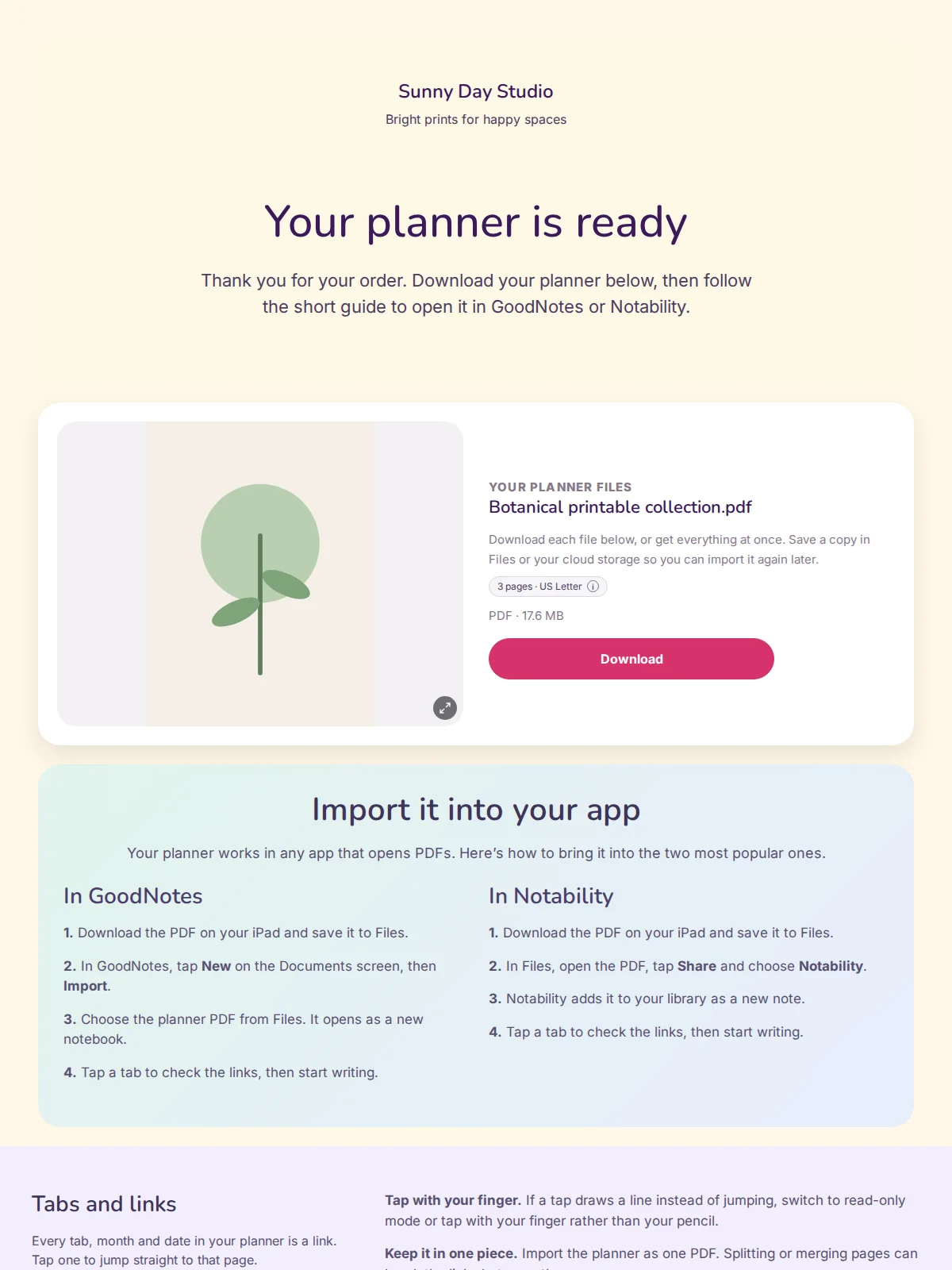
With a bright Brand Kit 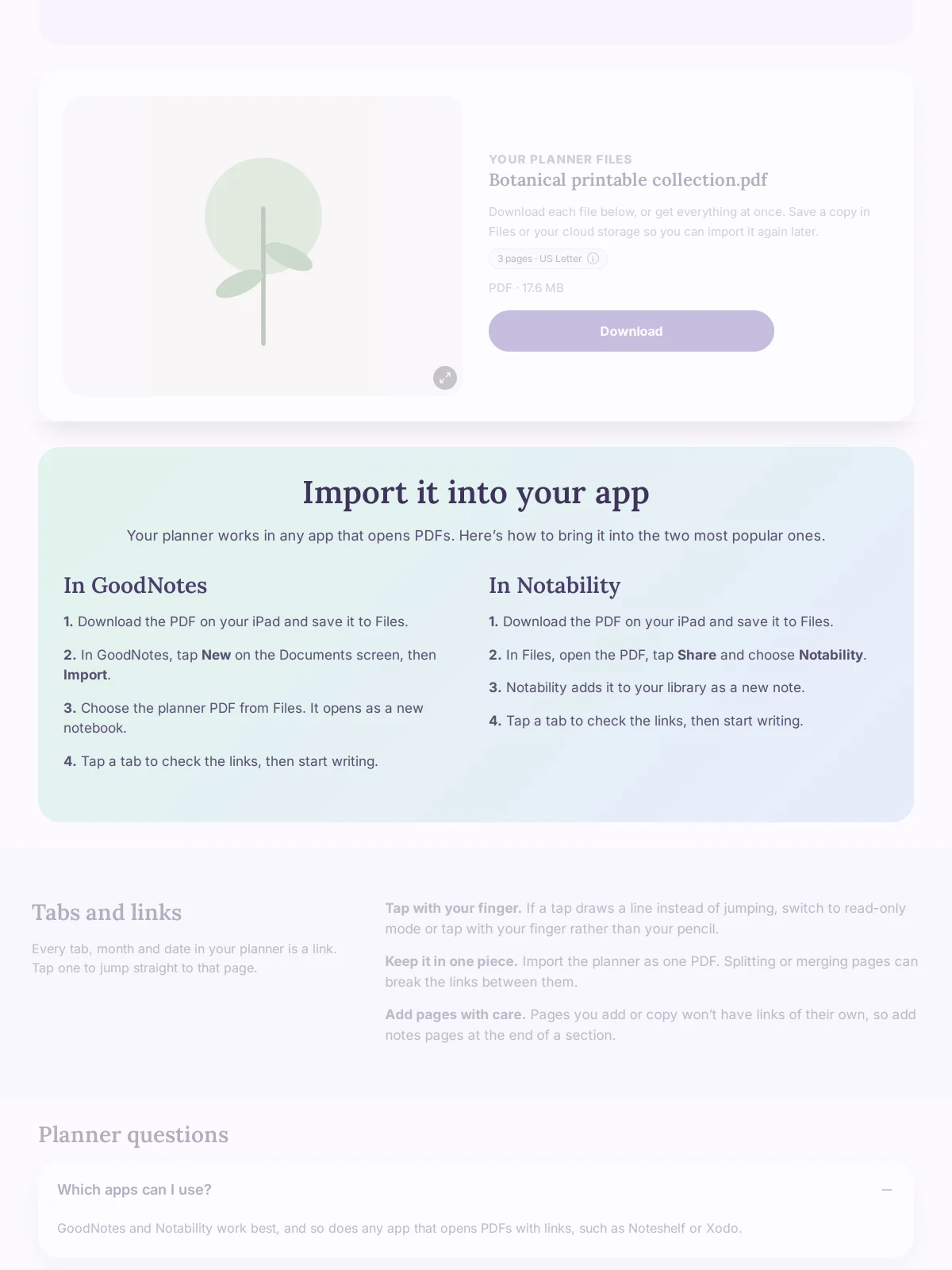
Close-up of a section: Import it into your app
What the page includes
- The buyer's files
- A step by step guide to importing into GoodNotes or Notability
- Tips for tabs and links
- Common questions
- An email signup
Who it suits
Sellers of digital planners for GoodNotes or Notability.
Download pages for digital plannersPremium template
How to get Planner Studio
Try any premium template and edit it with your own listings before you pay. To publish a page from it, claim it with a template credit, buy it once, or use it while you're on Pro.
More templates
Other download page templates
Start your download page with Planner Studio
Sign up free, apply the template and edit it with your own listings before you pay.